Getting a SIM Card and Internet Access in Ukraine
Why connectivity matters in Ukraine
Reliable mobile internet is one of the most useful tools for traveling in Ukraine. It helps with navigation, ride-hailing, translation, cashless payments, train schedules, hotel check-ins, and receiving safety alerts. In 2026, mobile networks remain the easiest way to stay connected across most cities and many towns, while fixed Wi‑Fi is common in hotels, cafés, coworking spaces, and apartments.
If you are arriving from abroad, it is usually best to arrange connectivity as soon as possible after landing. Airport Wi‑Fi may be available, but a local SIM or eSIM gives you more reliable access once you leave the terminal. For Ukrainians returning home, it is still worth comparing plans, because prepaid packages can differ a lot in data volume, roaming options, and coverage outside large cities.. Buy travel insurance Ukraine
We recommend planning for both convenience and resilience. A phone with a local data plan can be essential if you need to change transport, find shelter, contact hosts, or check updates during disruptions.
Main mobile operators: Kyivstar, Vodafone, and lifecell
Ukraine has three major nationwide mobile operators: Kyivstar, Vodafone Ukraine, and lifecell. All three offer 4G/LTE service in most populated areas, prepaid packages, and options for both voice and data. In practice, coverage and speeds can vary by neighborhood, building materials, and network load, so it is smart to choose based on your route rather than only on price.
Kyivstar is often seen as the strongest overall network in many regions, especially for broad coverage and stable service outside major urban centers. Vodafone Ukraine is widely used, with competitive data packages and good urban performance. lifecell is popular for flexible prepaid offers and often attractive data bundles, particularly for users who mainly need internet rather than many voice minutes.
For short-term visitors, all three can work well in Kyiv, Lviv, Odesa, Dnipro, and other large cities. If you plan to travel by train or spend time in smaller towns, compare coverage maps before buying. In some rural or border areas, one operator may perform noticeably better than the others, so asking your hotel or host which network works best locally can save time and frustration.
How to buy a SIM card or eSIM
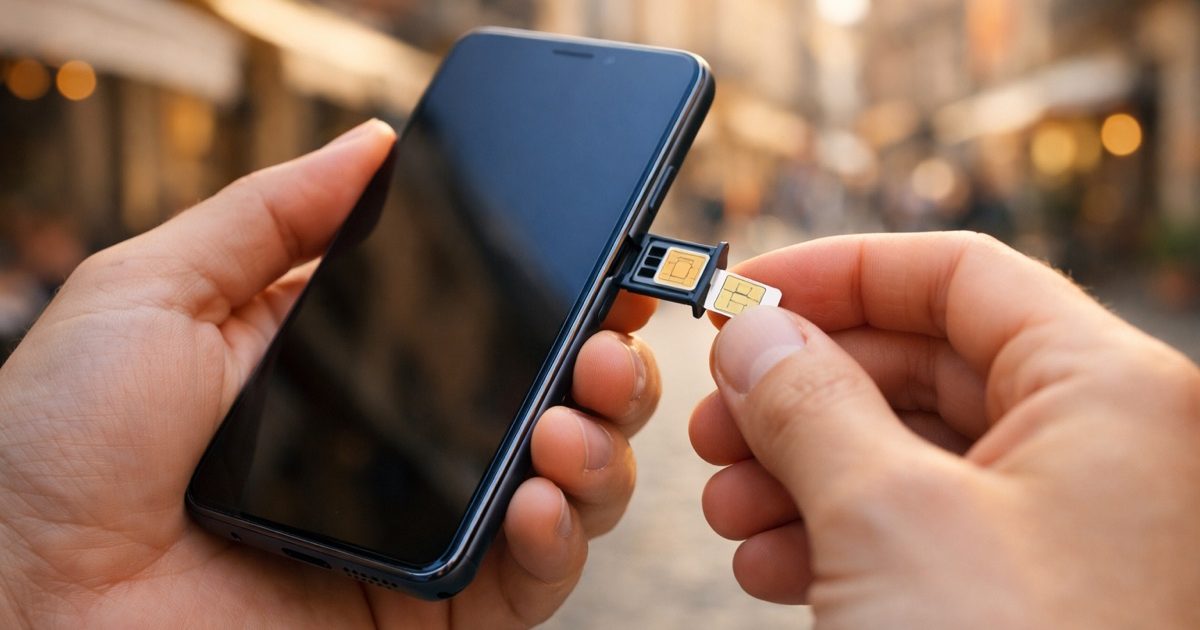
The easiest places to buy a SIM card are official operator stores, kiosks in shopping centers, airport counters, and some convenience stores or mobile phone shops. Official outlets are the safest option because staff can help activate the card, explain plans, and register it properly. Airport purchases are convenient, but prices and package choices may be less favorable than in city stores.
In Ukraine, SIM registration is standard, so you should expect to show a passport or other identification when buying a local SIM. This applies to most official sales channels. If you are a foreign visitor, bring your passport and allow a little extra time for activation. If you are buying for a Ukrainian number, make sure the SIM is registered in the correct name, especially if you may need to recover the number later.
eSIM availability has improved, and some travelers prefer it because it can be activated without swapping a physical card. However, not every device or tariff supports eSIM, and some plans still require in-person identity verification. If you want the simplest experience, buy from an official store after arrival. If you need connectivity immediately, check whether your phone and chosen operator support eSIM purchase online or through a partner app before you travel.
Data plans, pricing, and what to look for
Prepaid packages in Ukraine are usually designed around monthly or 4-week cycles. The most common offers include a set amount of mobile data, unlimited or large bundles of on-network calls, and sometimes free access to certain messaging apps or streaming services. For travelers, the main question is not only price but how much data you realistically need.
A light user who mainly checks maps, messages, and email may be fine with a modest data package. Someone using hotspot sharing, video calls, or cloud storage should choose a larger bundle. In cities, 20–40 GB can be enough for many travelers, but if you rely on your phone as your main internet source, consider a plan with more generous data or unlimited options where available. Always confirm whether “unlimited” is truly unlimited at full speed or whether the operator applies a fair-use policy after a threshold.
Before paying, check four things: whether the plan includes 4G/LTE access, whether hotspot/tethering is allowed, whether the package renews automatically, and what the cost will be after the first promotional period. Also ask about top-up methods. Most operators support online top-ups, bank cards, and payment through apps, which makes it easy to extend service without visiting a shop. If you are staying longer, compare monthly packages rather than buying the cheapest starter bundle, because the long-term value is often better.
Wi‑Fi in hotels, cafés, transport, and public spaces
Wi‑Fi is widely available in Ukraine, especially in hotels, apartments, restaurants, cafés, malls, coworking spaces, and many railway stations. In larger cities, you can often find a usable connection in central districts, though speed and reliability may vary during peak hours. Hotels and apartments usually advertise Wi‑Fi, but it is worth asking whether the connection is strong enough for video calls if that matters to you.
Public Wi‑Fi can be convenient, but it is not always secure. Avoid logging into sensitive accounts on open networks unless you use a trusted VPN. If you are working remotely or handling banking, a mobile data plan is often safer and more stable than relying entirely on public hotspots. For foreigners staying in Ukraine for a longer period, combining home Wi‑Fi at your accommodation with a local SIM for movement around the city is usually the best balance of cost and reliability.
On trains and buses, internet access is improving but still inconsistent. Do not assume you will have a stable connection for the entire journey. Download maps, tickets, translations, and important documents before departure, especially if you are traveling between regions or through areas with weaker signal.
Staying connected during power outages and disruptions
Power outages can affect home and business Wi‑Fi because routers, modems, and local network equipment need electricity. Mobile networks are often more resilient, but they can also slow down if many users switch to cellular data at once. The best way to stay connected during outages is to prepare in advance rather than react after the lights go out.
Keep a power bank charged at all times, and if you work or travel heavily, consider carrying a larger battery pack. A small backup charger for your phone and a cable for your laptop can make a big difference. If you depend on internet access for work or safety, ask your accommodation whether they have backup power, a generator, or an uninterruptible power supply for Wi‑Fi equipment. Many hotels, coworking spaces, and some cafés now advertise backup power, but it is still wise to confirm.
Download offline maps, save key addresses, and keep important numbers written down in case your phone battery runs low. If your accommodation loses Wi‑Fi, switch to mobile data and reduce battery drain by lowering screen brightness, disabling unnecessary apps, and using text-based communication instead of video. If you are traveling with family or colleagues, agree on a meeting point and check-in schedule before any disruption. A local SIM, a charged power bank, and a backup plan are the simplest tools for staying connected in Ukraine during unstable conditions.
Continue reading
All articles
Spring Travel in Ukraine: Cherry Blossoms and Cultural Awakening

Autumn in Ukraine: Golden Landscapes and Harvest Season

Romantic Getaways in Ukraine: Best Destinations for Couples

Alcohol Laws in Ukraine: What Travelers Should Know

Foreign Embassies and Consulates in Ukraine: Complete Directory